How to Build an AI SaaS with Next.js: Complete 2026 Guide
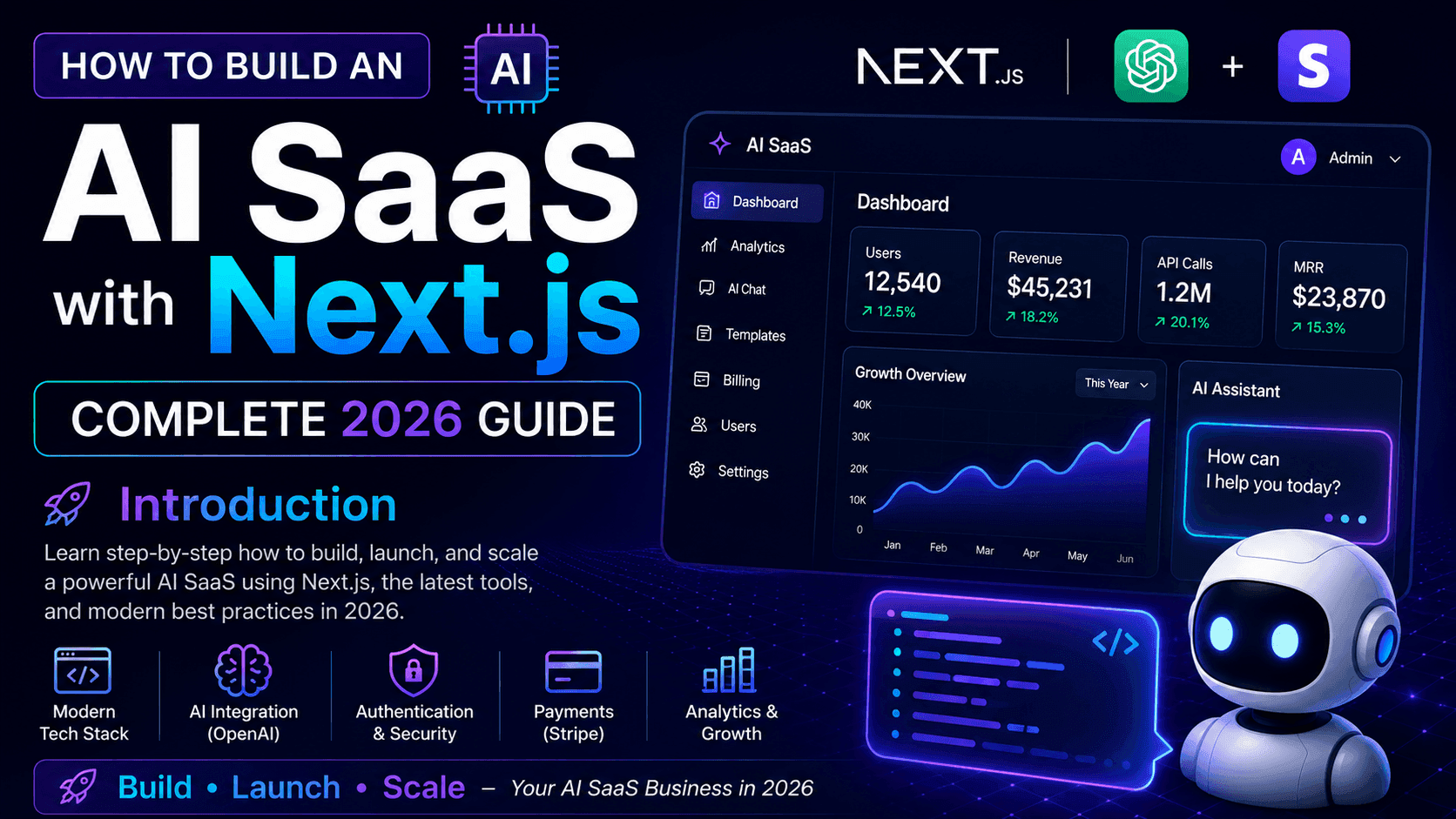
Complete 2026 Guide Introduction
AI-powered software is changing how modern web applications are built. From AI chatbots and content generation platforms to business automation and intelligent customer support, SaaS products can now use artificial intelligence to solve problems that previously required large teams and complex systems.
Next.js is an excellent framework for building these applications because it combines frontend development, backend functionality, routing, server-side rendering, API capabilities, and deployment into a single modern development stack.
In this guide, we'll explore how to approach building an AI SaaS application with Next.js, TypeScript, AI APIs, authentication, a database, and a scalable full-stack architecture.
What Is an AI SaaS?
An AI SaaS is a Software-as-a-Service application that uses artificial intelligence as part of its core functionality.
Examples include:
AI writing assistants AI customer support platforms AI document analysis tools AI image or content generators AI coding assistants AI marketing tools AI productivity applications AI-powered business automation platforms
Instead of installing software locally, users access the application through a web browser, usually through a subscription or usage-based model.
A typical AI SaaS architecture looks like this:
User ↓ Next.js Frontend ↓ Authentication ↓ Application API ↓ AI Model ↓ Database ↓ Response ↓ User Interface Why Use Next.js for an AI SaaS?
Next.js provides many of the features required to build a production-ready SaaS application.
Some important advantages include:
React-based user interfaces Server-side rendering Server Components API routes and server-side functionality File-based routing Built-in image optimization Metadata and SEO capabilities TypeScript support Easy deployment Strong ecosystem
Instead of maintaining completely separate frontend and backend applications for every project, Next.js can allow developers to build much of the application within one full-stack codebase.
This can make development, deployment, and maintenance considerably easier.
Step 1: Define the AI SaaS Idea
Before writing code, define exactly what your application is going to solve.
For example, imagine we're building an AI Customer Support SaaS.
The application could allow businesses to:
Create an account Create a support workspace Add company information Connect an AI model Configure an AI support agent Allow customers to ask questions Store conversations Review conversations from an admin dashboard Monitor usage Manage subscriptions
This gives us a clear product structure before development begins.
Step 2: Choose the Technology Stack
A modern AI SaaS can use a stack such as:
Frontend: Next.js React TypeScript Tailwind CSS
Backend: Next.js Server Functions / APIs
Database: MongoDB
Authentication: NextAuth or another authentication provider
AI: AI SDK + AI Model Provider
Validation: Zod
Forms: React Hook Form
Deployment: Vercel
The exact stack can change depending on the requirements of the product.
The important part is choosing technologies that work well together and can scale as the application grows.
Step 3: Create the Next.js Application
A new Next.js project can be created with:
npx create-next-app@latest my-ai-saas
During setup, TypeScript, ESLint, Tailwind CSS and the App Router can be enabled.
A clean project structure might look like:
src/ ├── app/ │ ├── dashboard/ │ ├── login/ │ ├── pricing/ │ ├── api/ │ └── page.tsx │ ├── components/ │ ├── ui/ │ ├── dashboard/ │ └── ai/ │ ├── lib/ │ ├── db/ │ ├── ai/ │ └── auth/ │ ├── models/ │ ├── types/ │ └── data/
Keeping the project organized from the beginning makes future development much easier.
Step 4: Connect the Database
Most SaaS applications need persistent data.
For example, an AI support application may need to store:
Users Organizations Projects AI agents Conversations Messages Usage statistics Subscription information Application settings
MongoDB is one possible choice for this type of application.
A simplified data relationship could look like:
User ↓ Organization ↓ AI Agent ↓ Conversation ↓ Messages
The database should be designed around the actual requirements of the application rather than simply creating collections without considering relationships and future scalability.
Step 5: Add Authentication
A SaaS application needs a secure way to identify users.
Authentication allows the application to answer questions such as:
Who is logged in? Which organization does the user belong to? What resources can the user access? Is the user an administrator? What subscription does the user have?
Authentication should be handled on the server whenever possible, and protected routes should verify the user's session before returning private data.
For example:
User Login ↓ Authentication ↓ Session ↓ Protected Dashboard ↓ User-specific Data
Never rely only on frontend checks for protecting sensitive resources.
Step 6: Connect an AI Model
This is where the application becomes an AI SaaS.
The backend can receive a user's request, send appropriate information to an AI model, and return the generated response.
A simplified flow is:
User Message ↓ Next.js Server ↓ Validate Request ↓ Retrieve Context ↓ AI Model ↓ Generate Response ↓ Save Conversation ↓ Return Response
The server should generally handle API keys and other sensitive credentials.
Never expose private AI provider keys directly in client-side JavaScript.
Step 7: Build the AI Experience
Calling an AI model is only one part of an AI application.
A good AI product also needs a good user experience.
For example, an AI chat interface can provide:
Streaming responses Loading states Conversation history Regenerate response Copy response Error handling Empty states Message timestamps Usage indicators
The interface should make the AI feel like an integrated part of the product rather than simply displaying a raw API response.
Step 8: Add AI Context and Knowledge
Many useful AI SaaS applications need more than a simple prompt.
For example, a customer support agent might need access to a company's:
FAQs Documentation Product information Policies Previous conversations Internal knowledge
This can be implemented using techniques such as retrieval-augmented generation (RAG).
A simplified RAG workflow looks like:
User Question ↓ Search Knowledge Base ↓ Retrieve Relevant Information ↓ Build AI Context ↓ AI Model ↓ Final Answer
This allows the AI system to generate responses based on information relevant to the user's question.
Step 9: Build the SaaS Dashboard
A professional SaaS product usually needs a dashboard where users can manage their application.
A dashboard might contain:
Overview AI Agents Conversations Usage Analytics Knowledge Base Settings Team Members Billing
The dashboard should be responsive because users may access it from laptops, tablets, or mobile devices.
Step 10: Add Security and Validation
Security should not be added at the end of the project.
Important areas include:
Server-side authentication Input validation Authorization Rate limiting Secure environment variables Database access control API protection Error handling Secure password handling when applicable
Libraries such as Zod can help validate incoming data before it reaches application logic.
For example:
Request ↓ Validate ↓ Authorize ↓ Process ↓ Database / AI ↓ Response
This approach helps prevent invalid or unauthorized requests from reaching sensitive parts of the application.
Step 11: Optimize the Application for SEO
Not every SaaS page needs to rank on Google.
However, public pages such as:
Homepage Features Pricing Documentation Blog Landing pages
can be optimized for search engines.
Next.js provides built-in capabilities for managing important SEO elements such as:
Page titles Meta descriptions Open Graph metadata Canonical URLs Sitemap Robots directives
Technical SEO should work together with genuinely useful content rather than relying on keyword repetition.
Step 12: Optimize Performance
A production AI SaaS should be fast and responsive.
Important optimization areas include:
Optimized images Efficient database queries Caching Code splitting Server Components where appropriate Streaming AI responses Reduced client-side JavaScript Proper loading states Efficient API requests
Performance is especially important for SaaS products because users may spend significant amounts of time inside the application.
Step 13: Deploy the AI SaaS
Once the application is ready, it can be deployed to a production platform such as Vercel.
Typical deployment flow:
Git Repository ↓ Production Build ↓ Environment Variables ↓ Database Connection ↓ AI API Configuration ↓ Deployment ↓ Production SaaS
Before production deployment, environment variables, database credentials, authentication configuration, API keys, and production URLs should all be checked carefully.