Google Business Profile Optimization: The Complete Local SEO Guide for 2026
If you run a local business — a clinic, a restaurant, a salon, a repair shop, anything with a physical location or a defined service area — your Google Business Profile (formerly Google My Business) often matters more for getting found than your actual website does. Here's why, and how to get it right.
Why Google Business Profile Matters So Much
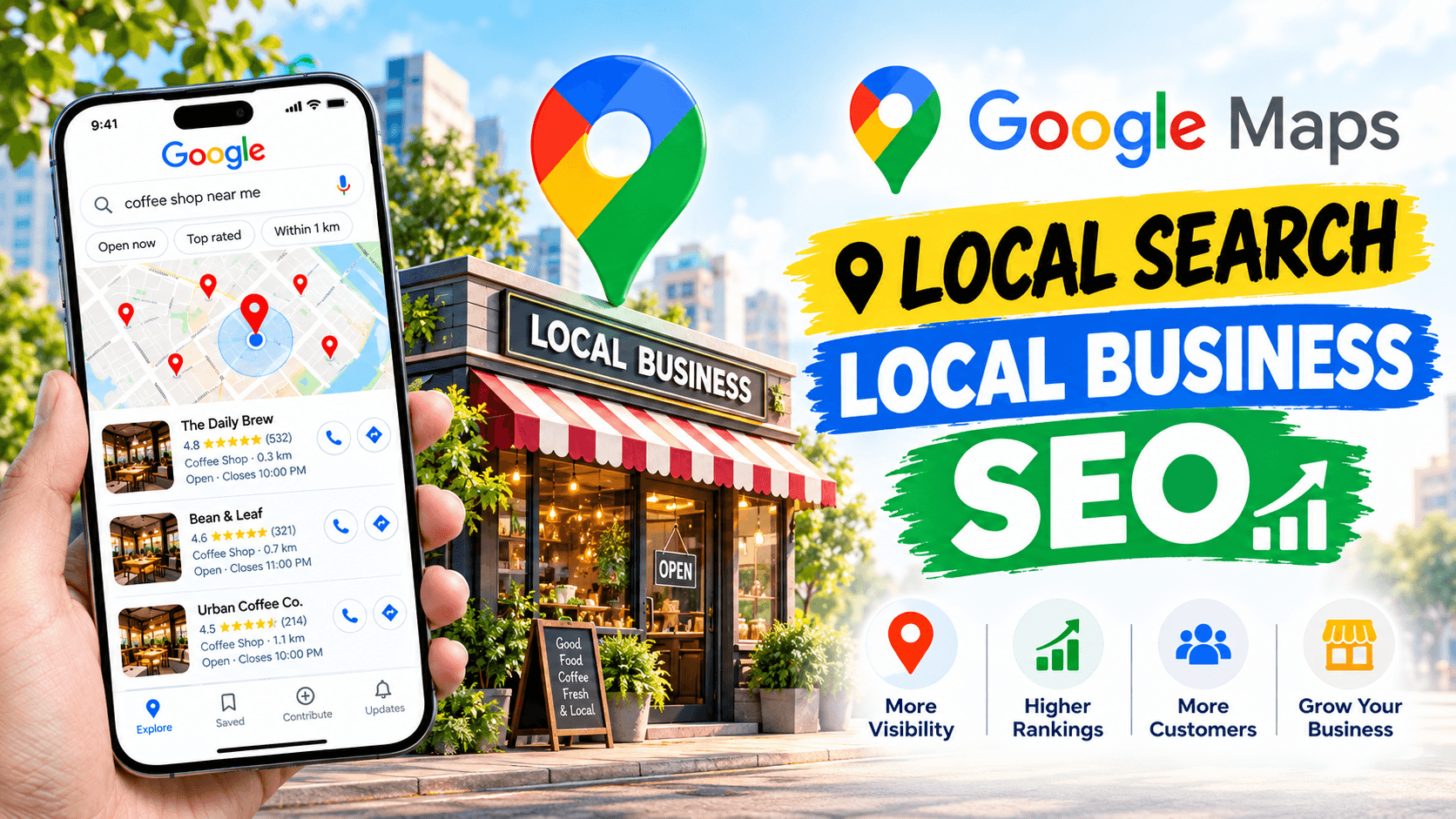
When someone searches "dentist near me" or "plumber in [city]", Google doesn't just show website links — it shows a map with three highlighted businesses (the "Local Pack"), pulled directly from Google Business Profiles. Most people click one of those three before ever scrolling to a regular website result.
If your profile isn't set up properly, you're invisible in exactly the moment someone is ready to buy or book.
Step 1: Claim and Verify Your Profile
If you haven't already, claim your business on Google Business Profile and complete the verification process (usually a postcard, phone call, or email, depending on your business type). Skip this and none of the optimization below matters — an unverified profile barely shows up at all.
Step 2: Get Your Category Right
This is the single most overlooked, highest-impact step. Your primary category tells Google what kind of searches you should appear for.
- Be specific: "Italian Restaurant" ranks better for Italian food searches than the generic "Restaurant."
- You can add secondary categories too — use them for services you genuinely offer, not to stuff keywords.
- Wrong category choice is one of the most common reasons a business doesn't show up for searches it should easily rank for.
Step 3: NAP Consistency
NAP stands for Name, Address, Phone number. It needs to match exactly across:
- Your Google Business Profile
- Your website
- Any directories you're listed on (Yelp, Facebook, industry directories, etc.)
Even small inconsistencies (like "St." vs "Street," or a different phone number in one place) can confuse Google's trust signals and hurt local rankings.
Step 4: Fill Out Every Section
Businesses that fully complete their profile tend to outperform those that leave sections blank. That includes:
- Business hours (and holiday hours — keep them updated)
- Services or products offered
- A clear, keyword-relevant business description
- Attributes (wheelchair accessible, outdoor seating, free Wi-Fi, etc. — whatever applies)
Step 5: Photos Matter More Than People Think
Profiles with high-quality, regularly updated photos get significantly more clicks and direction requests than ones with just a logo. Add:
- Real photos of your location, team, and work — not stock images
- A mix of interior, exterior, and product/service shots
- New photos periodically, not just once at setup
Step 6: Use Google Posts
Google Posts are short updates (offers, news, events) that show up directly on your profile. They're an easy, often-ignored way to signal to Google that your business is active — and active profiles tend to rank better than dormant ones.
Step 7: Reviews — Quantity, Quality, and Responses
Reviews affect rankings directly, and they affect conversions even more (most people won't call a business with no reviews or a low rating).
- Ask satisfied customers for reviews — most people won't leave one unless asked
- Respond to every review, positive or negative. A thoughtful reply to a negative review often builds more trust than a pile of five-star ones with no engagement
- Never buy fake reviews — Google actively detects and penalizes this
Common Mistakes That Hurt Rankings
- Choosing a broad category instead of the most specific accurate one
- Inconsistent business name/address/phone across the web
- Leaving the profile mostly empty
- No photos, or outdated ones
- Ignoring reviews entirely
- Using a virtual office address for a business that doesn't actually operate there (this can get a profile suspended)
The Bottom Line
Google Business Profile optimization isn't a one-time task — it's ongoing. Profiles that get regular updates, fresh photos, and consistent review responses simply outperform ones that are set up once and forgotten.
If you need help setting up or optimizing a Google Business Profile — or building a website designed to work alongside strong local SEO — feel free to get in touch.